Choose an authorized export
Open a supported archive, individual logs, or exported folder; no controller address or credentials.
 RomeoApps
Network Support Bundle Inspector · local-first software · version 1.0.0
Inspect supported user-exported UniFi support bundles and standard network logs locally; correlate WAN, PPPoE, DHCP, Wi-Fi, reconnect, device, and controller signals; then create reviewable evidence.
Immediate verified ZIP delivery after Stripe confirms payment. One named user, owned or authorized inputs, version shown, a 30-day no-reason withdrawal policy, and compatibility support. Statutory rights are unaffected.
The workflow
The product stays on your device, makes uncertainty visible, and produces only the output you deliberately request.
Open a supported archive, individual logs, or exported folder; no controller address or credentials.
Navigate inventory, devices, services, categories, event timeline, recurring signals, and exact sources.
Export an inert incident report or bounded text-only derivative with opaque paths and a change manifest.
Why this exists
The paid release packages a bounded, repeatable workflow with integrity evidence, truthful limits, and a recovery/support route.
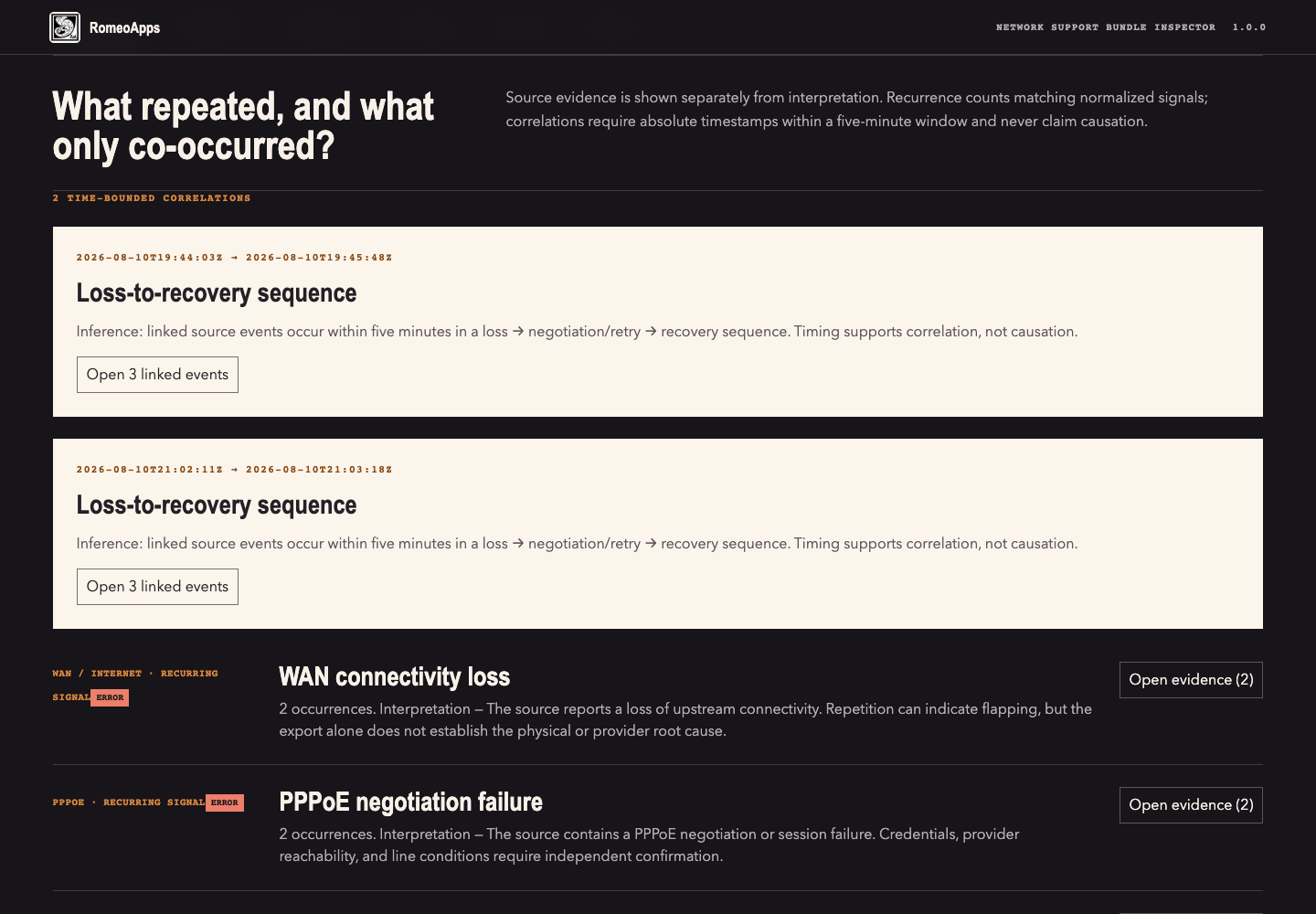
Network signals are grouped by time and category while correlation remains distinct from causation.
No controller access, remote API, SSH, authentication, telemetry, CDN, or source write path.
Customer filenames and archive paths become opaque references; binary/undecodable content and XML/YAML share content are omitted.
Compatibility
The supported path is explicit, so you can decide quickly and get the right fit.
Scope note: Version 1.0.0 recognizes standard containers and generic network-log evidence. It does not claim complete coverage of undocumented controller schemas; deterministic findings are evidence aids, not professional or vendor diagnoses.
Frozen release
The download service verifies this immutable artifact before every delivery. Compare its SHA-256 after download.
1.0.0romeoapps-network-support-bundle-inspector-1.0.0.zipf2bbe9f5009c9cfcda717d804db57459fba03c43ef4c95e27c936ba4fa518a24After purchase
Purchase recovery
Enter the same email used at Stripe Checkout. For privacy, the response is identical whether or not a matching purchase exists.
Questions
No. The shipped product has no customer-file upload path. Stripe receives payment/contact fields; the fulfillment service receives Stripe identifiers and the checkout email for delivery/recovery. Neither receives the archive or diagnostic source you open in the product.
You may withdraw for any reason within 30 days through the online withdrawal page, including after download. Separately, if the published supported workflow does not work, contact support within 30 days for one reasonable troubleshooting attempt or a full refund. Neither policy limits mandatory consumer rights.
One named user may use the purchased version with files they own or are authorized to process. The purchase is not a subscription and does not grant access to accounts, systems, or third-party data.
No automated privacy detector is a guarantee. Review every report or derivative before disclosure, and share it only when you have authority. The product reduces avoidable exposure; it cannot understand every custom secret or context.
UniFi is a trademark of Ubiquiti Inc. Network Support Bundle Inspector is an independent RomeoApps product, not affiliated with or endorsed by Ubiquiti. The mark is used only to identify compatible user-exported inputs; no vendor name appears in the product name and no vendor assets or private code are included.