Downloaded file hash mismatch with server response hash
Compare the integrity warning with its surrounding time, path, and session evidence instead of treating it as a generic “sync failed” message.
 RomeoApps
Evidence guide · Synology Drive on Mac
A Mac sync failure can sit at several layers: an integrity mismatch, a queued server event, a connection channel that did not establish, or a local visibility problem. Start with the exported evidence and keep the source package private.
Independent RomeoApps software. It reads supported customer-owned exports locally; it does not connect to a NAS, bypass access controls, or upload support packages.
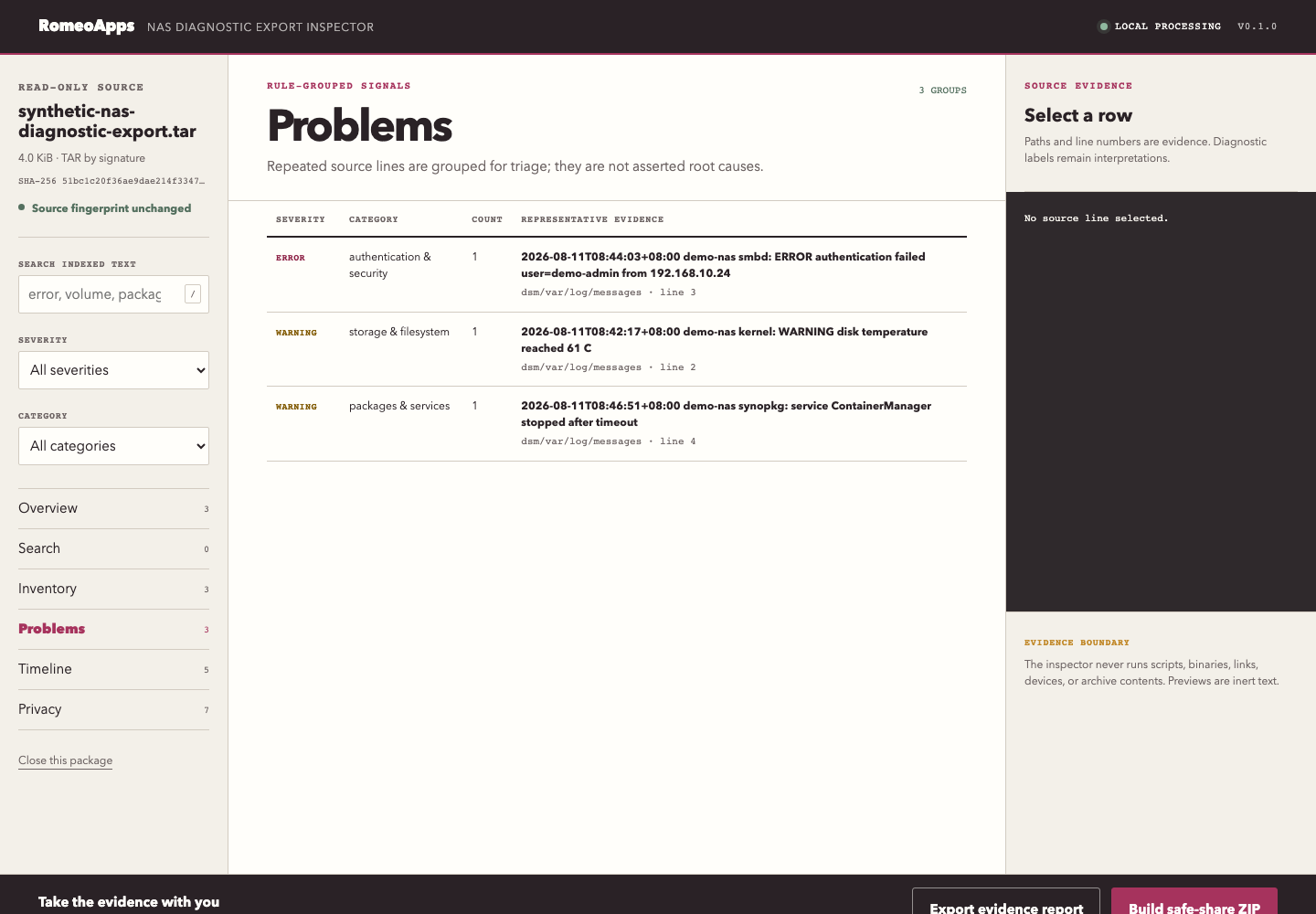
Start with the words in the export
These signals are useful starting points for review. Keep every conclusion tied to its source evidence.
Compare the integrity warning with its surrounding time, path, and session evidence instead of treating it as a generic “sync failed” message.
Separate queued server work from a Finder or local file-visibility symptom before you decide what a support team needs.
Keep connection and secure-channel lines visible while avoiding a claim of live NAS diagnosis or automatic remediation.
A safer handoff
The paid inspector stays inside the published support boundary and makes a human review easier.
Scope boundary
Next step
The product page lists accepted containers, budgets, the exact frozen release, and the recovery route before checkout.
Read the full release page